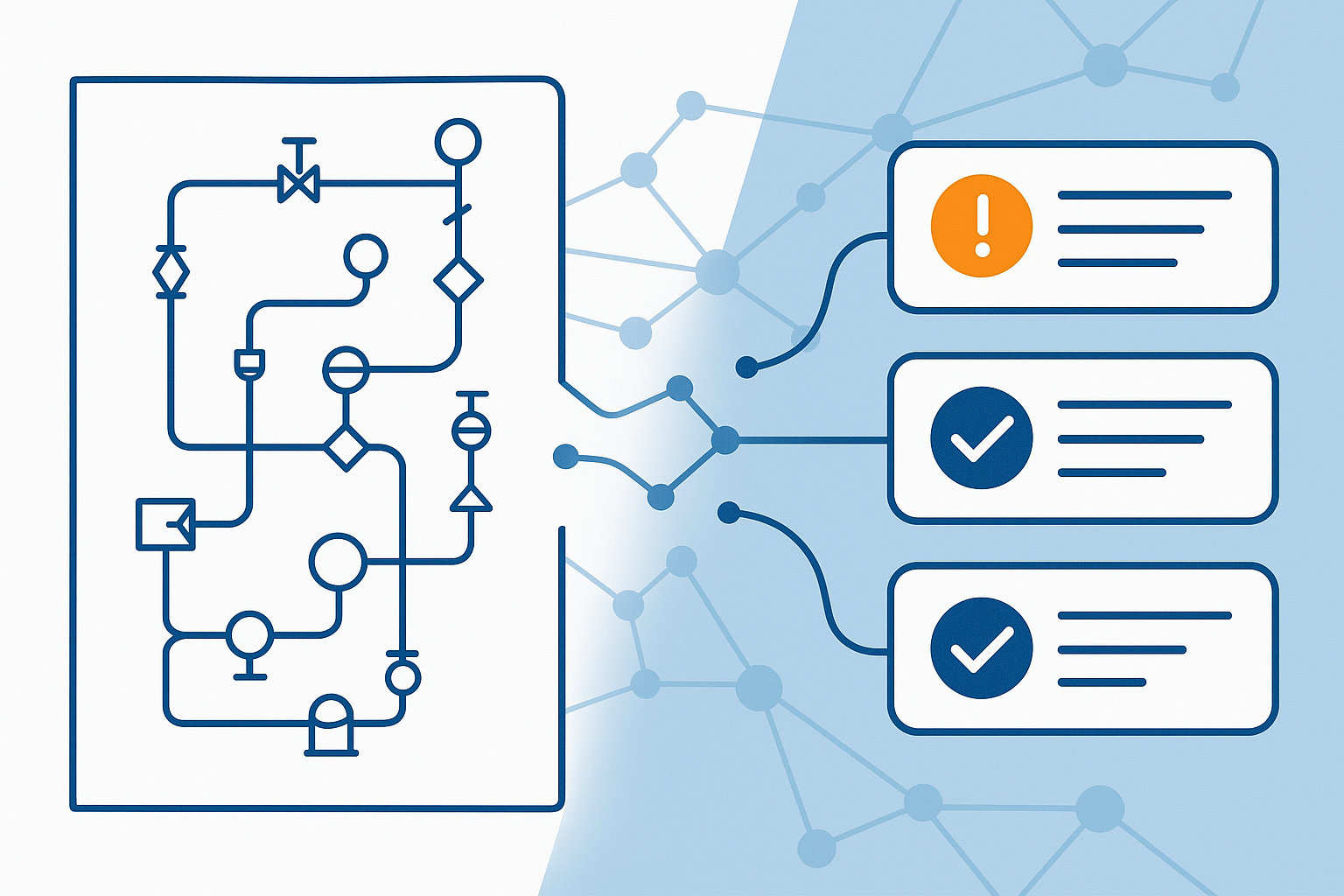
Every engineering manager knows the drill: a contractor submits 50 piping isometrics on Friday afternoon, and your team needs to review them by Monday. Each drawing requires a trained engineer to check dimensions, verify code compliance, spot potential clashes, and document every finding in a formal comment register.
The math doesn't work. A thorough review takes 30-60 minutes per drawing. That's 25-50 engineer-hours for a single deliverable batch. Multiply that across all disciplines—piping, electrical, instrumentation, structural—and document review becomes a full-time job for your best engineers.
The Hidden Cost of Manual Document Review
Let's be honest about what's really happening in engineering offices:
Time Drain on Senior Engineers
- Senior engineers spending 40-60% of their time on document reviews
- Junior engineers lack the experience to catch critical issues
- Outsourcing to third-party review firms adds cost and coordination overhead
Quality Issues
- Fatigue-induced oversights on large batch reviews
- Inconsistent comment quality between reviewers
- Missing code references that weaken your position with contractors
- Duplicate comments across similar drawings
Commercial Impact
- Delayed approvals push project schedules
- Missed issues become costly change orders
- Contractor disputes over vague comments
- Repeat submissions eat into project margins
Industry surveys suggest 70% of engineering comment registers contain at least one comment that lacks proper code reference or is too vague to be actionable.
What AI Document Review Actually Does
AI document review isn't about replacing engineers—it's about augmenting their capability and ensuring nothing gets missed.
The AI Review Process
- Document Upload — P&ID, isometric, GA drawing, or line list (PDF or image)
- Intelligent Analysis — AI identifies equipment, piping runs, dimensions, annotations
- Code Compliance Check — Comparison against ASME B31.3, project specs, standard practices
- Comment Generation — Detailed findings with severity ratings and code references
- Excel Export — Formatted comment register ready for contractor transmittal
What the AI Checks For
| Document Type | AI Review Focus Areas |
|---|---|
| P&IDs | Valve types, instrument locations, line specs, equipment tags, isolation philosophy |
| Piping Isometrics | Dimensions, support locations, BOM accuracy, weld counts, slope requirements |
| GA/Layouts | Clearances, maintenance access, pipe rack arrangement, clash potential |
| Line Lists | Design conditions, line class consistency, sizing adequacy, material specs |
Comment Severity Classification
AI applies industry-standard severity ratings to each finding:
| Severity | Definition | Action Required |
|---|---|---|
| 🔴 HOLD | Safety issue, code violation, or design error | Must resolve before approval |
| 🟡 COMMENT | Technical deviation from best practice or specs | Requires contractor response |
| 🟢 NOTE | Clarification request, suggestion, or observation | Optional response |
Real-World Example: Piping Isometric Review
Here's what AI-generated comments look like for a typical piping isometric:
🟡 Comment 2 — COMMENT
Location: Weld W-7
Comment: Full penetration weld symbol shown but no NDE requirement indicated. Per project spec PIP-001 Section 8.3, all welds on Class 150+ piping require 100% RT.
Code Reference: Project Spec PIP-001 Section 8.3
Category: Welding & NDE
🟢 Comment 3 — NOTE
Location: Title Block
Comment: Drawing revision history does not show previous revision markup. Consider adding revision cloud or delta triangle per project CAD standard.
Code Reference: Project CAD Standard DWG-001
Category: Documentation
The Business Case for AI Document Review
Time Savings
| Metric | Manual Review | AI-Assisted Review |
|---|---|---|
| Time per drawing | 30-60 minutes | 2-5 minutes |
| Comments per hour | 10-20 | 100-200 |
| Code reference accuracy | 60-80% | 95%+ |
| Consistency across reviewers | Variable | Standardized |
ROI Calculation
For a typical EPC project with 5,000 piping deliverables:
Manual Approach:
- 5,000 drawings × 45 min = 3,750 engineer-hours
- At $150/hour loaded rate = $562,500
AI-Assisted Approach:
- 5,000 drawings × 5 min = 417 engineer-hours
- Plus AI tool cost ~$50,000
- Total = $112,500
Savings: $450,000 per project (80% reduction)
Implementation: How to Get Started
Step 1: Identify Your Pain Points
- Which document types consume the most review time?
- Where do contractor disputes most frequently occur?
- What discipline has the largest backlog?
Step 2: Start with One Document Type
We recommend starting with piping isometrics because:
- High volume (often 50-70% of piping deliverables)
- Standardized format across most projects
- Clear pass/fail criteria against ASME B31.3
- Easy to validate AI output against manual review
Step 3: Validate and Calibrate
- Run AI review parallel to manual review for 2 weeks
- Compare comment coverage and accuracy
- Adjust project-specific context as needed
- Train team on AI output interpretation
Step 4: Scale Across Disciplines
Once piping review is validated:
- Electrical single-line diagrams
- Instrumentation loop diagrams
- Structural connection details
- Civil/Foundation drawings
Try It Yourself
We've built a free demo of our Piping Document Review tool. Upload any P&ID, isometric, or piping layout and see AI-generated engineering comments with code references in under 60 seconds.
🔴 Comment 1 — HOLD
Location: Grid C-4, Line 6"-HC-2001-A1A
Comment: Support spacing exceeds ASME B31.3 Table 121.5 maximum for 6" carbon steel. Current spacing is approximately 5.5m; maximum allowed is 4.0m for Schedule 40 at operating temperature.
Code Reference: ASME B31.3 Para. 321.1.1, Table 121.5
Category: Pipe Supports